Schedulers, office and accounts
Book the crews and bill the work
In ProTTM
What you can do
- Drag people, TMAs and equipment onto the schedule board, with holding rows for unassigned work, site checks and pre-warning.
- Double bookings, leave, tickets, fatigue limits and vehicle compliance checked as you book.
- An email address per task, so job correspondence lands on the job.
- Approved, unbilled work grouped by client, with a countdown to your billing run.
- Invoice lines priced from each client's rate card, synced to your accounting software, with payments synced back.
- Payroll export as a CSV for Xero Payroll or other payroll systems.
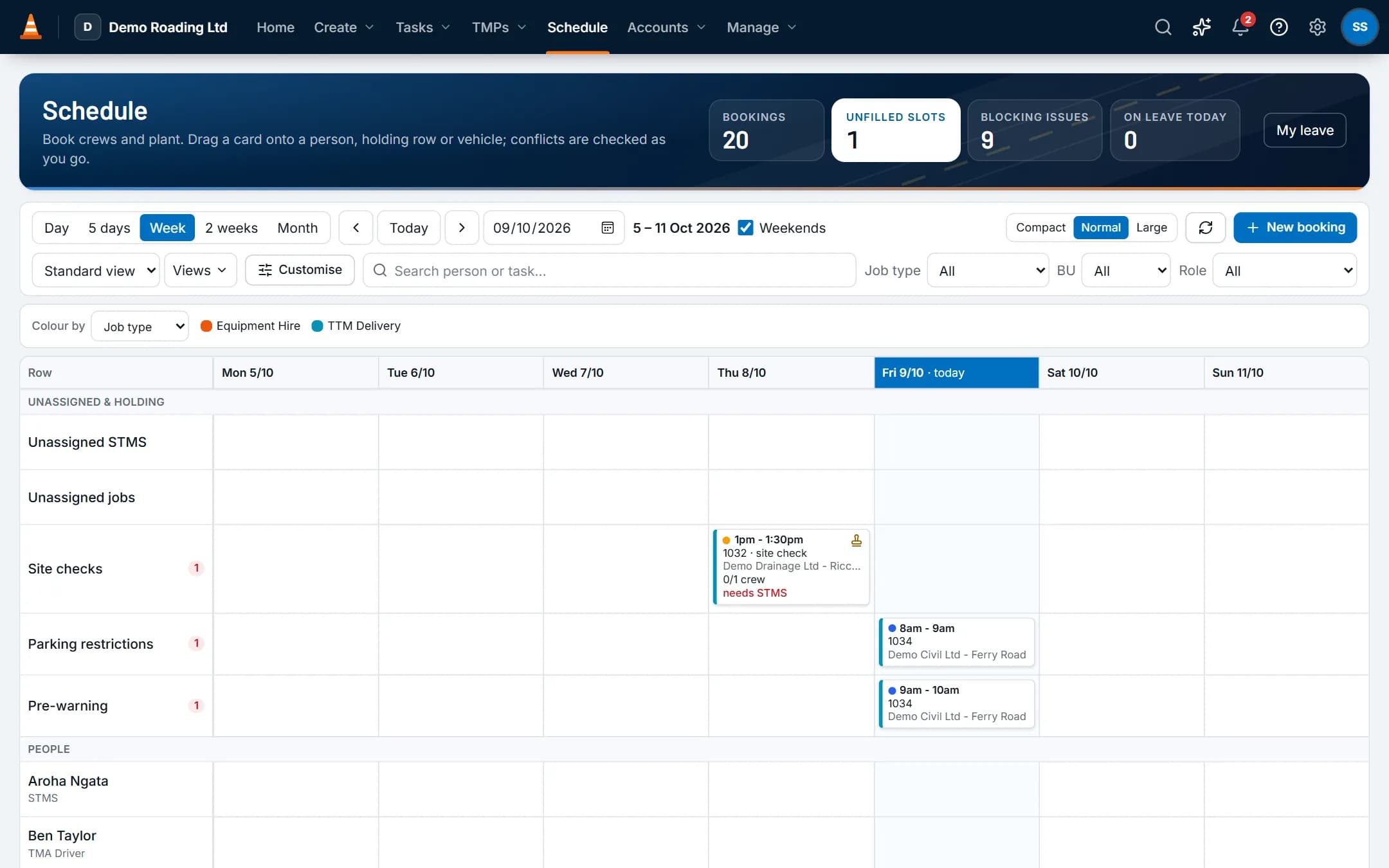
Screens show the real app with fictional demo data.
Features
The parts you'll use most
Scheduling & crews
People and vehicles by day, with clashes, tickets, leave and fatigue checked as you book.
Tasks & job inbox
Every shift, email, hour and invoice line for a job stays on one record.
Invoicing & accounting
Approved time and hire priced from your rate cards, synced to your accounting software, with payments synced back.
Questions
Common questions
Does it work with my accounting software?
Xero today, with more accounting integrations planned. Connect your Xero organisation in Admin. Clients become Xero contacts. Approved invoices and credit notes go to Xero as drafts or approved, your choice. Payments sync back every hour, or immediately with Xero's webhook.
Each work type maps to a Xero account and item code. Tax rates such as GST, zero-rated and exempt map to Xero's tax types.
Does ProTTM email invoices and quotes to our clients?
No. Download the PDF and send it yourself, then mark it as sent. Or switch on Xero's invoice email so Xero sends approved invoices.
ProTTM only sends account emails: invitations, password resets, email confirmations and sign-in links.
Does it do payroll?
It prepares it. Approved timesheets export as a CSV for Xero Payroll, or a general CSV for other payroll systems. ProTTM doesn't calculate PAYE or pay staff.
Other roles
The rest of the team
- Owners and ops managersOne dashboard for today's crews, the TMP pipeline and billing, and reports you don't have to build.
- TMP designersSee your own TMPs first, keep each RCA's reference numbers on the plan, and find past plans for repeat sites.
- STMS, crews and subcontractorsToday's shift, the approved TMP, and the forms you need, with or without signal.