Compliance
Tickets, vehicles and documents, kept current
What it solves
Find problems before the audit
An expired STMS ticket, a TMA past its COF, or a crew member who hasn't read a new procedure is a safety risk and an audit finding.
- Ticket expiry dates sit in a spreadsheet no one checks before booking.
- Vehicle defects are written on paper and fixed late.
- There's no record of who read which version of a procedure.
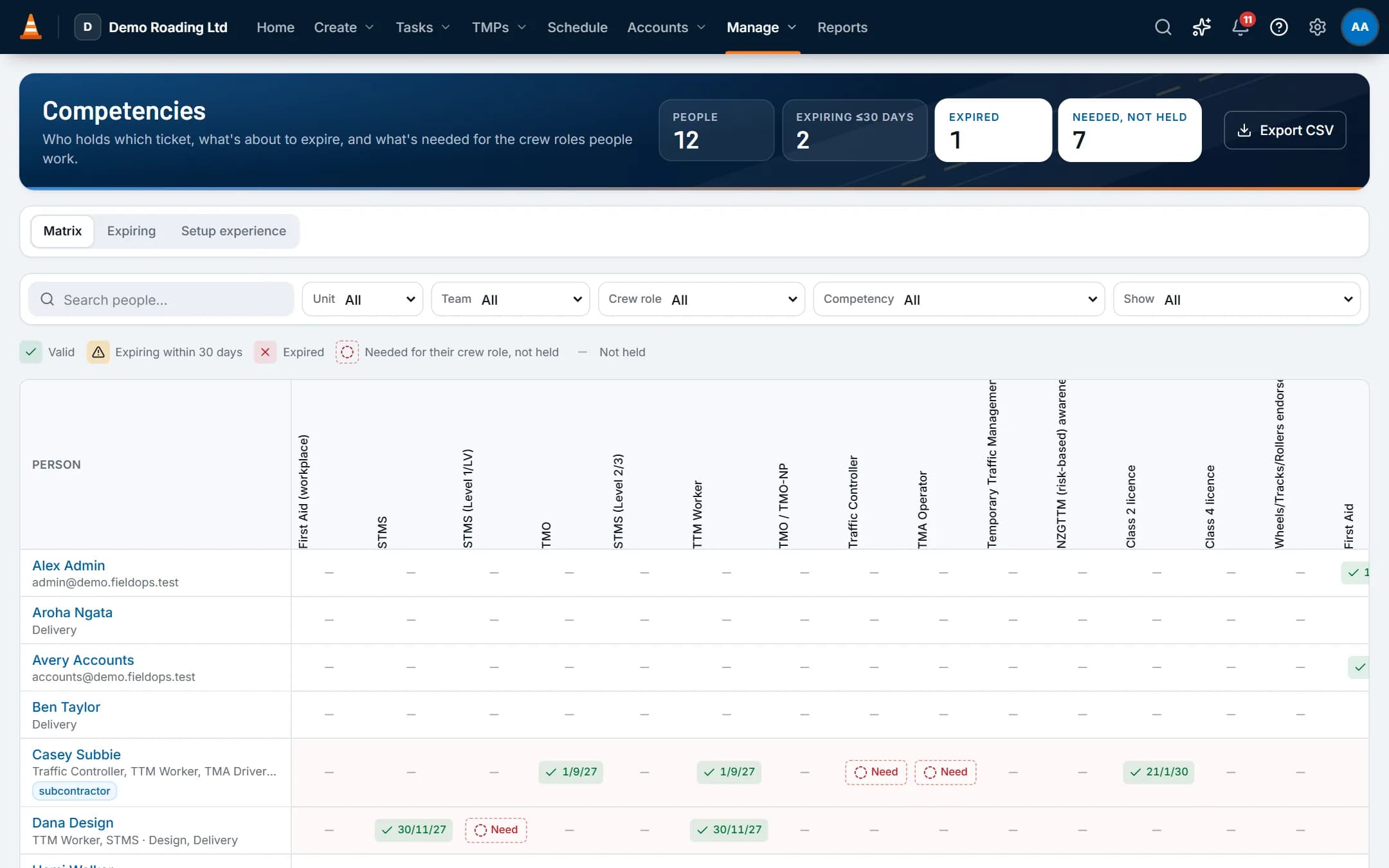
Screens show the real app with fictional demo data.
How it works
Step by step
Record tickets and training
Each person's tickets and training, with expiry dates and evidence. Starter competencies include STMS, TTM Worker, TMO, Traffic Controller, TMA Operator, licences and first aid.Link tickets to crew roles
Each crew role names the ticket it needs, so the schedule warns before someone is booked into a role they aren't ticketed for.Keep the fleet road-ready
Track WOF or COF, registration, RUC, odometer and service dates for vehicles and plant. Crews do pre-checks in the field app. A fail flags the vehicle on the schedule until it's fixed.Publish documents
Store SOPs and policies in folders, with versions. Staff read and acknowledge each new version, on their phone if they like.
Key capabilities
What it does
- A competency matrix with filters, CSV export and an expiring-soon view.
- In-app alerts before tickets, WOFs, COFs and other vehicle dates expire.
- Pre-checks with pass, advisory or fail. An advisory is recorded without stopping work.
- Vehicle import from a CSV, with a report of anything that needs fixing.
- Document versions, approval and publishing, with read-and-acknowledge reports.
- Risk templates for hazards and controls, used in forms.
Questions
Common questions
What do subcontractors see?
Only their assigned jobs and shifts, their own timesheets and their forms, in the same field app as your crews. Their tickets are checked like everyone else's.
Is there an audit trail?
Yes. The database records every change: who made it, when, and the values before and after. The app can't alter that history. Administrators can view the audit log and export it to CSV.
On the same job
Works with
Scheduling & crews
People and vehicles by day, with clashes, tickets, leave and fatigue checked as you book.
Forms & inspections
Sign-ons, pre-starts, site checks and incident forms that fill in the job details for you.
Field app (offline)
Shifts, plans, forms, photos and time on the phone, synced when coverage returns.