STMS, crews and subcontractors
Your shift, plans and forms on your phone
In ProTTM
What you can do
- Today's and upcoming shifts, with site details and directions.
- The approved TMP PDFs for today's and tomorrow's shifts, stored on the phone.
- Start and finish the shift, and submit your timesheet.
- Site sign-ons, pre-starts and vehicle pre-checks, with photos and signatures, offline.
- Your tickets, and documents to read and sign.
- A reminder the day before each shift. Subcontractors see only their own work.
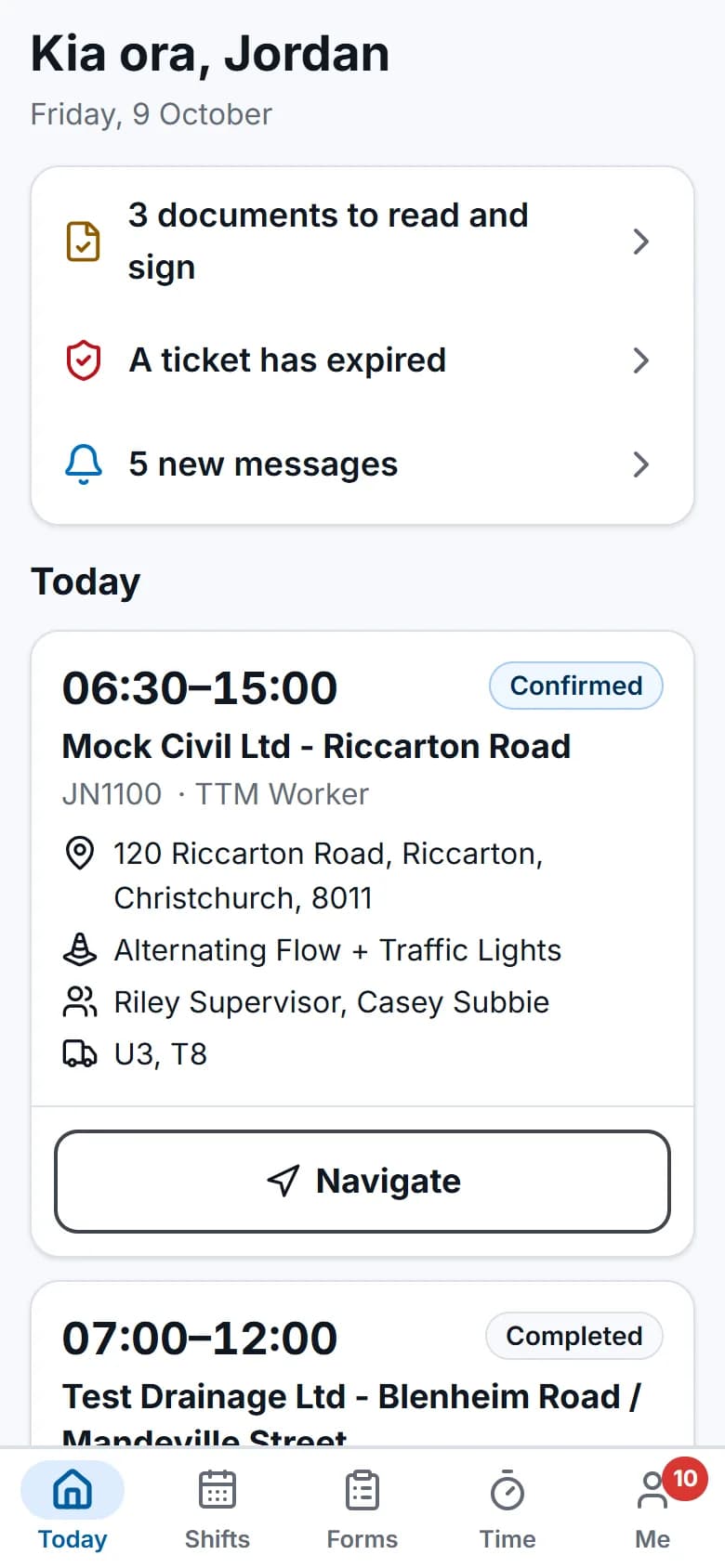
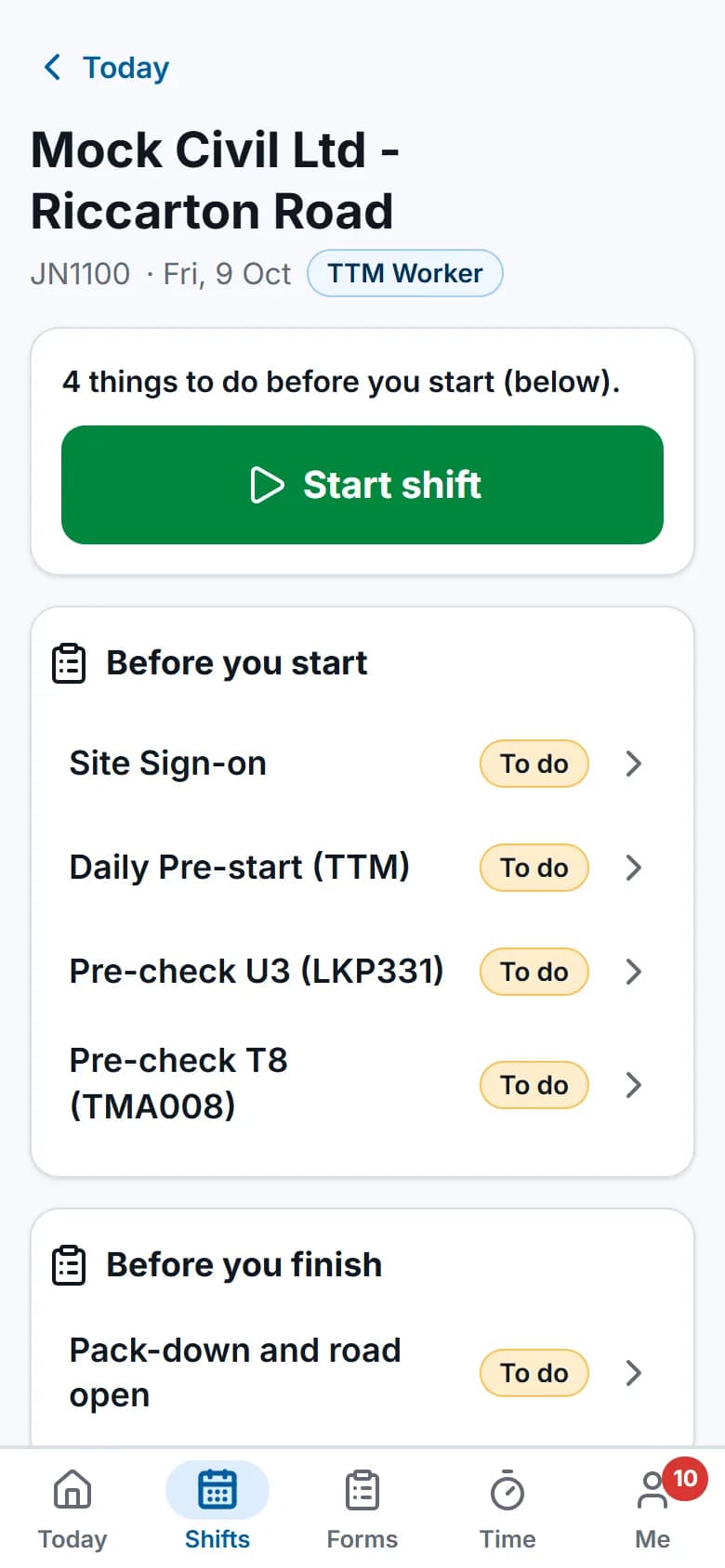
Screens show the real app with fictional demo data.
Features
The parts you'll use most
Field app (offline)
Shifts, plans, forms, photos and time on the phone, synced when coverage returns.
Forms & inspections
Onsite records, risk control plans, and incident reporting with follow-up actions, all filled in with the job details.
Compliance
Who holds which ticket, which vehicles are road-ready, and who has read the latest procedure.
Questions
Common questions
Does the field app work without signal?
Yes. Each phone keeps the person's shifts from the past week and the next two weeks, with site details and the approved TMP PDFs for today and tomorrow.
Shift starts and finishes, time, photos, forms, vehicle pre-checks and document sign-offs are saved on the phone first. They're sent when the phone is back in coverage, oldest first and each exactly once.
Do crews need to install an app?
No. The field app runs in the phone or tablet browser. Crews can add it to their home screen, where it opens like an app.
What do subcontractors see?
Only their assigned jobs and shifts, their own timesheets and their forms, in the same field app as your crews. Their tickets are checked like everyone else's.
Other roles
The rest of the team
- Owners and ops managersOne dashboard for today's crews, the TMP pipeline and billing, and reports you don't have to build.
- Schedulers, office and accountsSchedule people and plant with the checks done for you, then turn approved time into invoices.
- TMP designersSee your own TMPs first, keep each RCA's reference numbers on the plan, and find past plans for repeat sites.