Reports and API
Dashboards, reports and a read-only API
A home dashboard for each role, reports with exports, and a read-only API for your own tools and reporting.
What it solves
The numbers without the spreadsheets
Owners want to know what's on the road, what's waiting on the RCA and what's unbilled, without asking three people.
- Key numbers are spread across systems.
- Month-end reports are built by hand.
- Office screens and tools need their own copy of the data.
How it works
Step by step
Start at Home
Managers see today's and tomorrow's crews, unfilled slots, the TMP pipeline, delivery and billing. Designers see their own TMPs. Field staff see their shifts.
Open a report
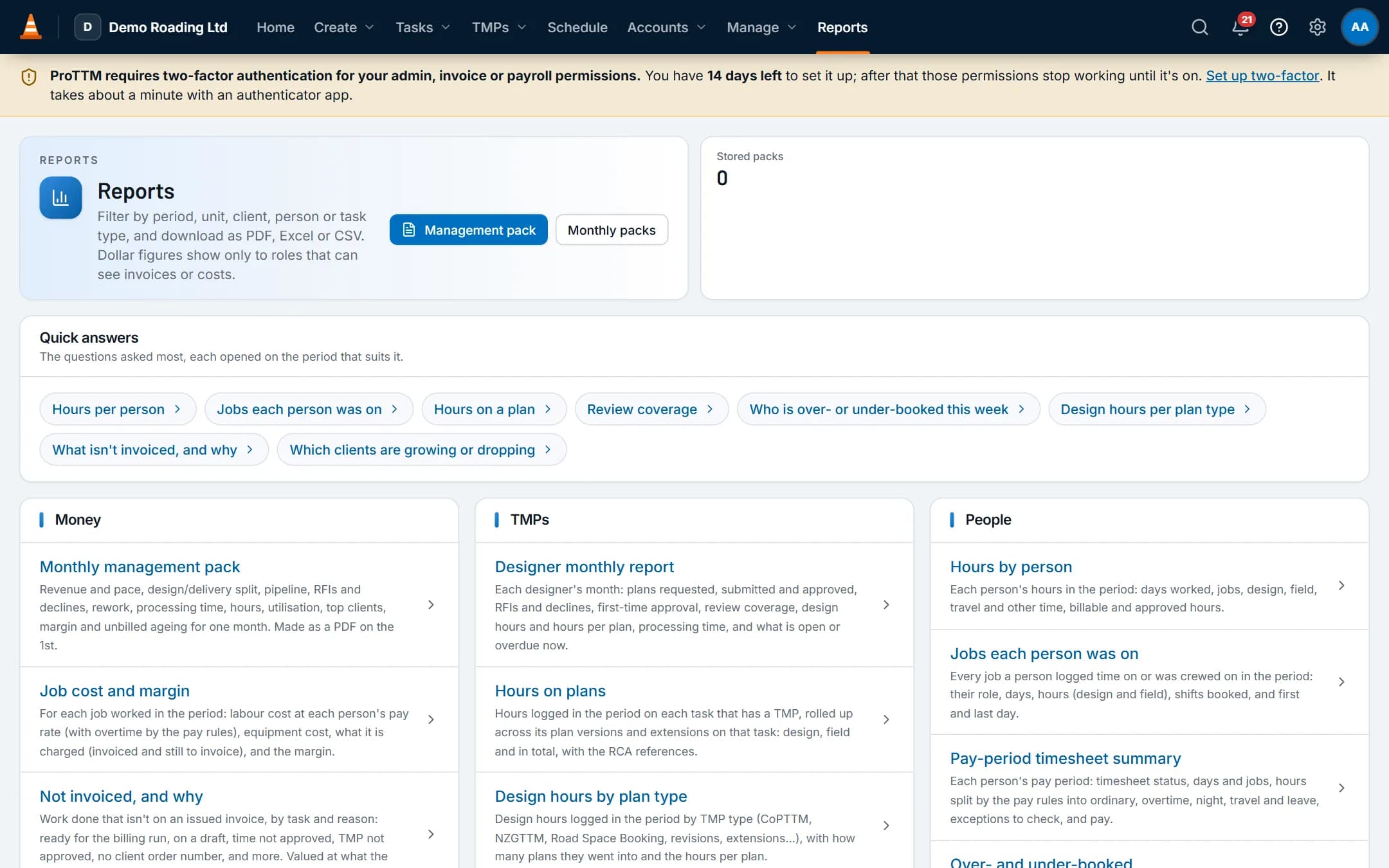
Filter by date, business unit and client, then download as CSV or Excel. Cost and margin columns need the "view costs" permission.
Connect your tools
Create a read-only API key in Admin, choose its scopes, and connect your own reporting or business tools.
What it does
In the product today
- Reports: task profitability, utilisation, overdue tasks, unbilled work, timesheet exceptions, competency expiries, TMP turnaround by RCA, declines and RFIs by reason, and monthly invoicing.
- TMP pipeline figures: requests received (per working day), work submitted by RCA, RFIs and declines this month with reasons, and processing time.
- Billing figures: invoiced this month against last month, ready to invoice by client, and the billing-run countdown.
- API scopes for tasks, TMPs, a change feed, bookings, timesheets, invoices and dashboard figures. The API can't change data.
- Each key is shown once and stored only as a fingerprint. Limits are 120 requests a minute and 20,000 a day, and every call is logged for 90 days.
- An OpenAPI description for developers.
Can we get our data out?
Yes. Reports download as CSV or Excel. Lists such as the competency matrix and audit log export to CSV. The read-only API returns your tasks, TMPs, bookings, timesheets and invoices.
Can we hide costs and margins from some staff?
Yes. Cost and margin figures need the "view costs" permission. Reports and task pages hide them from anyone without it.
See it on your own jobs
Twenty minutes, your screen, your kind of work.
Tell us whether you design, deliver, or both, and we'll show that path. Or start a 30-day free trial on your own company account.