Timesheets & payroll
Timesheets filled from the bookings
What it solves
Enter hours once, approve them once
Re-typing hours from paper and texts into payroll and invoices takes hours each pay period. Every mistake costs the crew or the client.
- Hours are entered twice: once for pay, once for the invoice.
- A shift that ran three hours over the booking goes unnoticed.
- Unapproved time ends up on invoices.
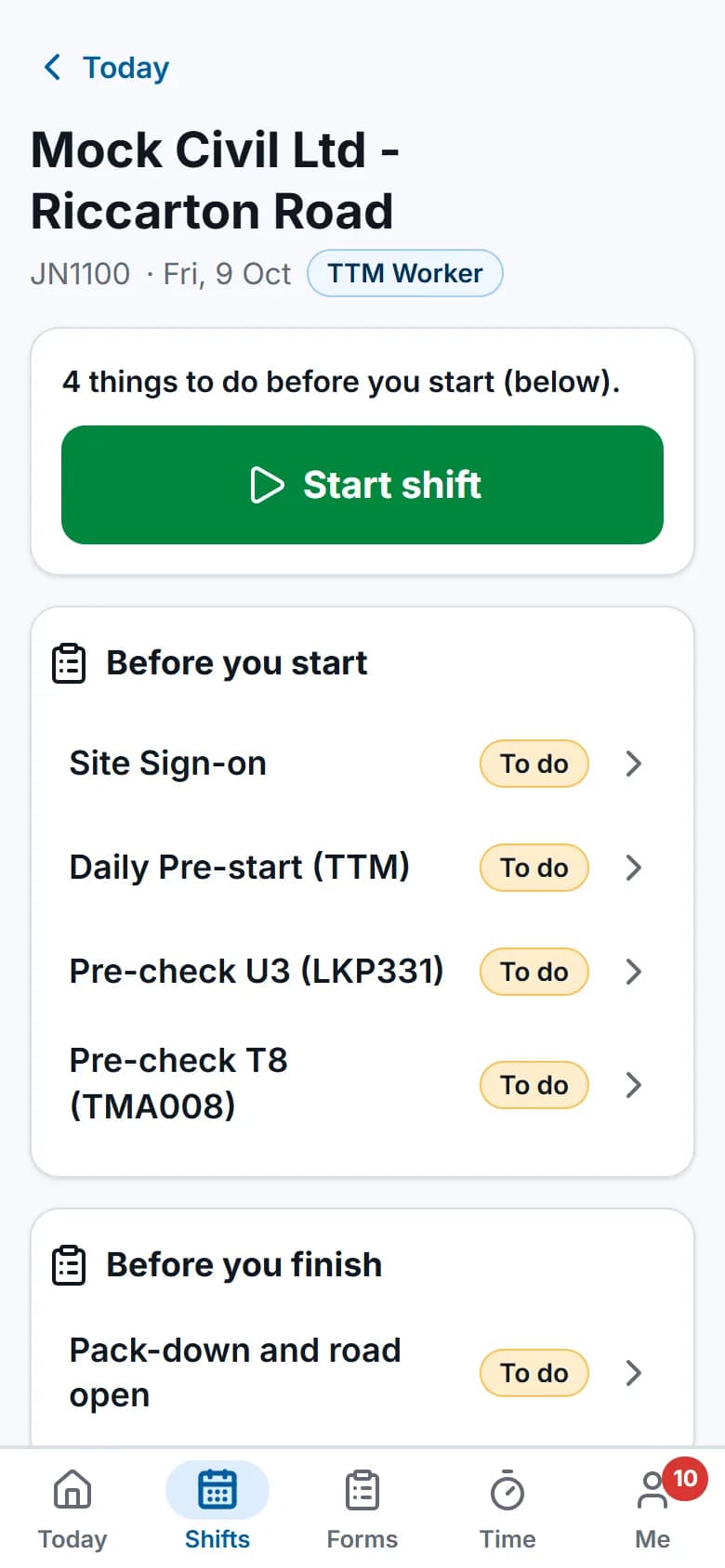
Crews start and finish their shift in the field app, and their timesheet fills from it.Screens show the real app with fictional demo data.
How it works
Step by step
Fill from the bookings
Each person's week fills from their bookings and their clock-on and clock-off in the field app. Design hours are logged by work type.Check and submit
Lines that differ from the booked shift by more than your tolerance are flagged. The person adds anything missing and submits.Approve in one step
The operations manager approves timesheets, in bulk if needed, or returns them with a note. Changes made during review need a reason.Lock and export
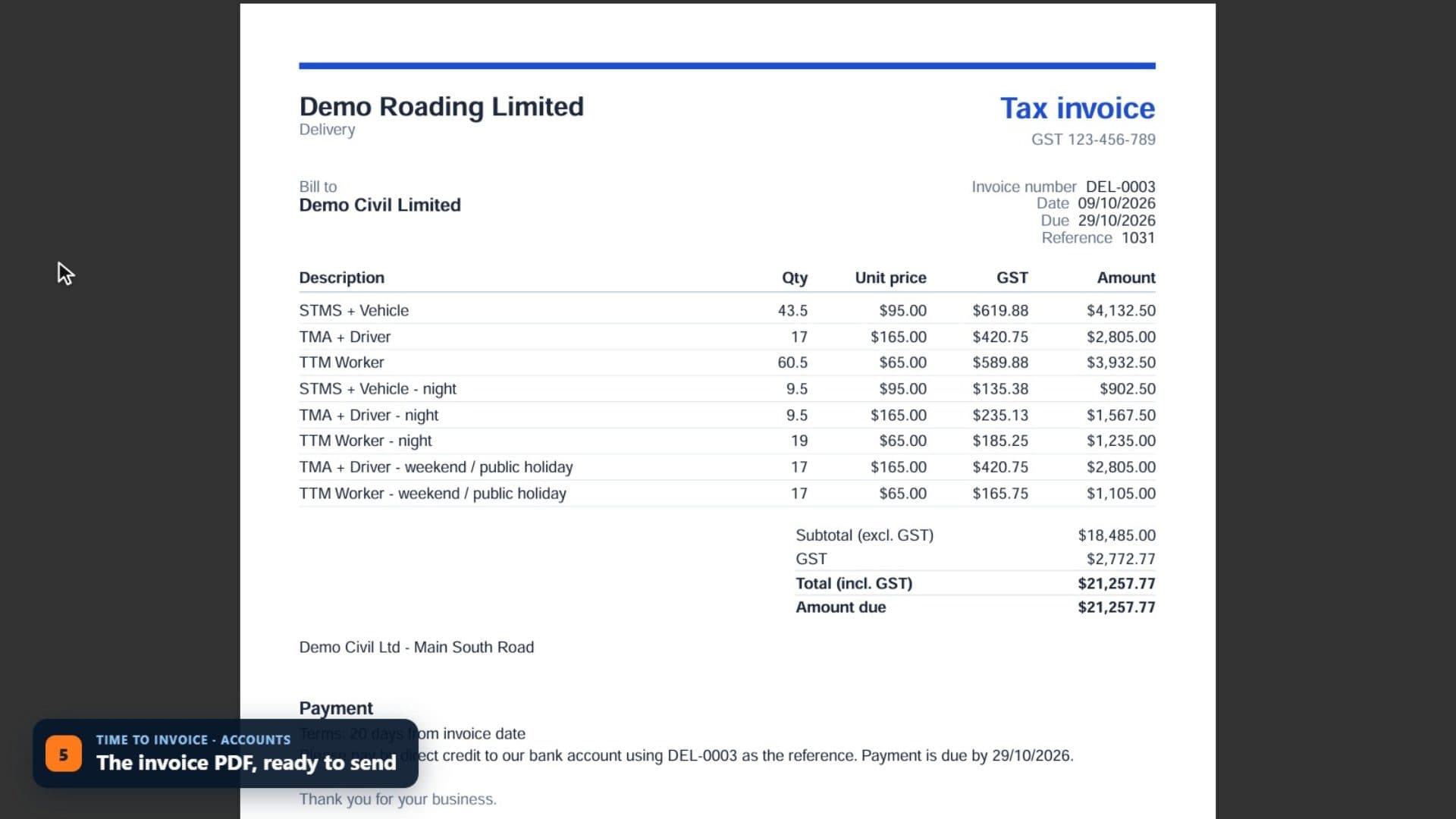
Accounts can lock approved periods and export payroll. Only approved time can be invoiced or exported.
See it work
Watch it in the real app
Key capabilities
What it does
- Work types, such as STMS + Vehicle, TTM Worker, TMA + Driver and TMP Design (NZGTTM), set the pay and charge rates.
- Weekly, fortnightly or monthly pay periods.
- Pay items and overtime rules set in Admin.
- Payroll export as a CSV for Xero Payroll, or a general CSV for other payroll systems.
- Add, change and approve time from inside a task.
- Leave requests and approvals.
- A timesheet exceptions report for hours that differ from the booked shift.
Good to know: ProTTM prepares payroll for your payroll system. It doesn't calculate PAYE or pay staff.
Questions
Common questions
Does it do payroll?
It prepares it. Approved timesheets export as a CSV for Xero Payroll, or a general CSV for other payroll systems. ProTTM doesn't calculate PAYE or pay staff.
What about past jobs, timesheets and invoices?
They aren't imported. Keep your current system's records for reference and start new work in ProTTM from a date you choose. Clients, locations, people and fleet come across, so new work has what it needs.
On the same job
Works with
Invoicing & accounting
Approved time and hire priced from your rate cards, synced to your accounting software, with payments synced back.
Field app (offline)
Shifts, plans, forms, photos and time on the phone, synced when coverage returns.
Scheduling & crews
People and vehicles by day, with clashes, tickets, leave and fatigue checked as you book.